 Sally Home Connect
Your data stays at home
Sally creates no account and sends nothing over the Internet. What happens in your home is nobody's business but yours.
Sally controls your lights, shutters and heating from your phone or computer. It runs in your home, with no cloud, no account and no subscription.
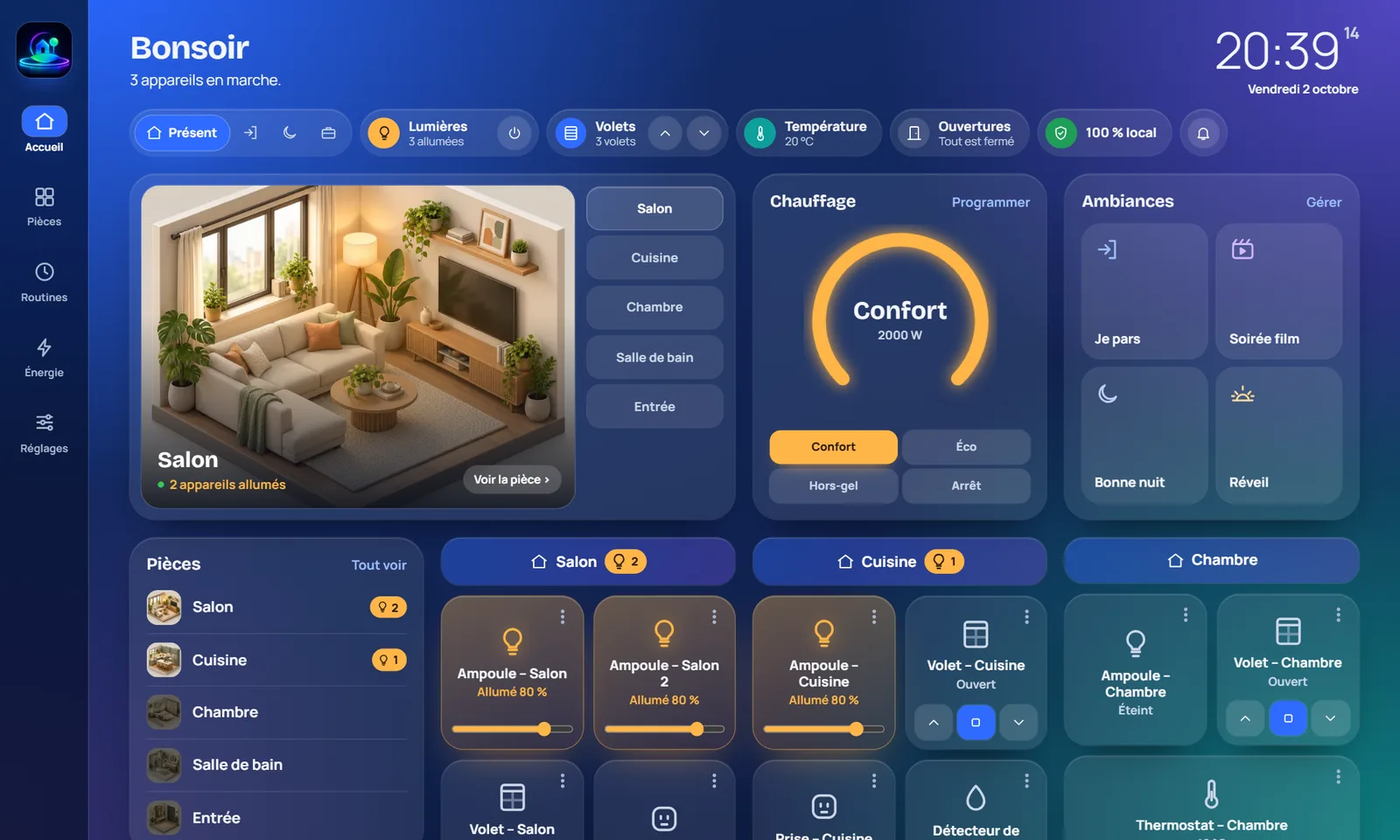
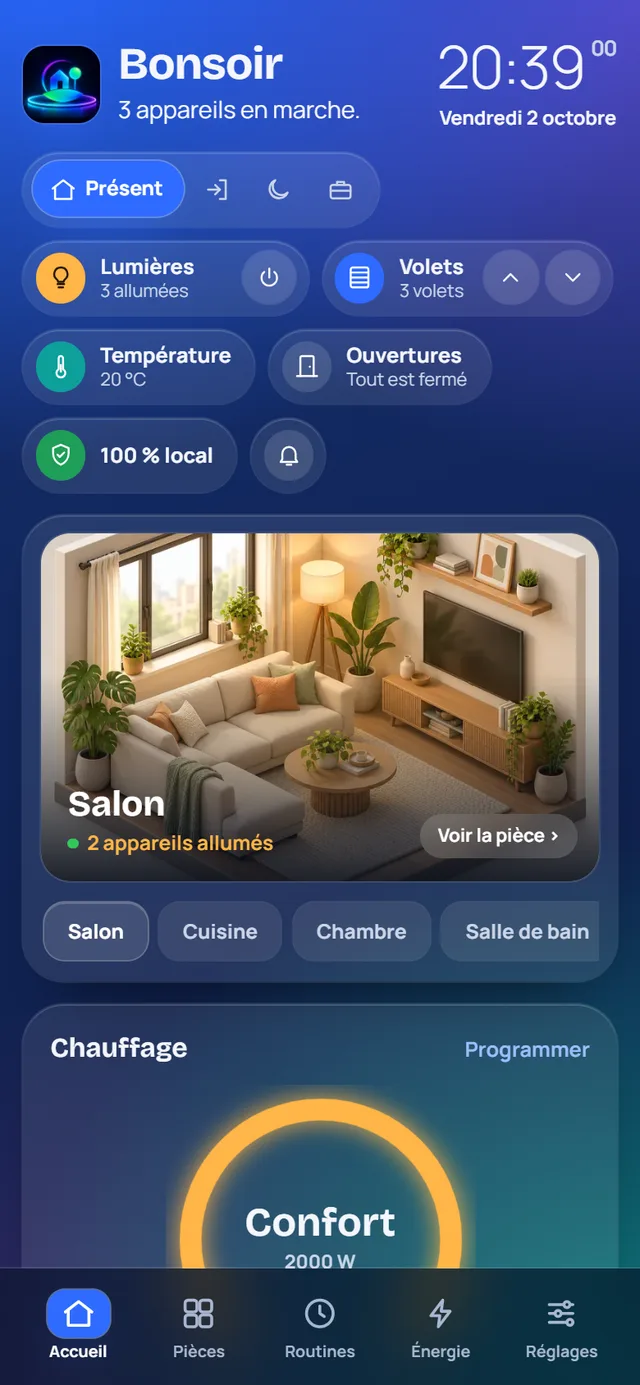
Most smart homes go through a brand's servers. Sally does the opposite: everything happens between your phone and the computer in your home.
Sally creates no account and sends nothing over the Internet. What happens in your home is nobody's business but yours.
Sally guides you step by step to add a bulb, a plug, a shutter or a radiator. You answer by voice or with a tap, and it does the rest.
No monthly fees, no service that shuts down overnight. If the Internet goes down, your home keeps working.
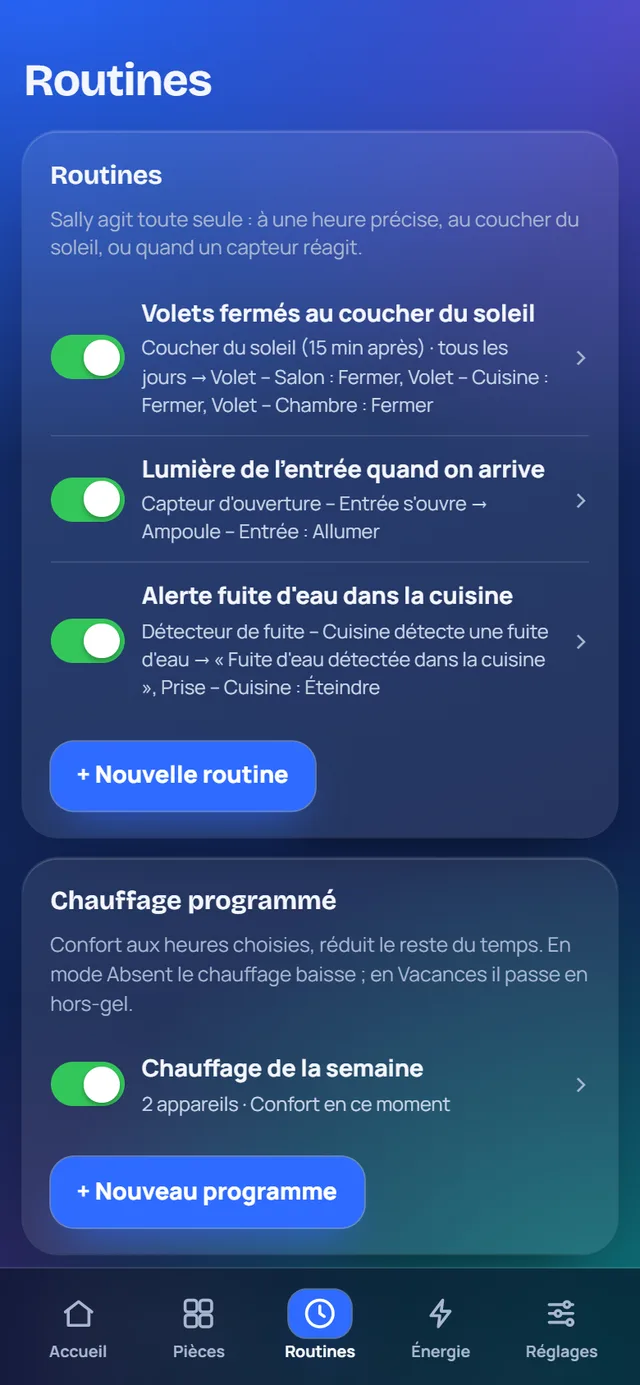
You tell Sally what to do, and when. Then it takes care of it without you having to think about it.
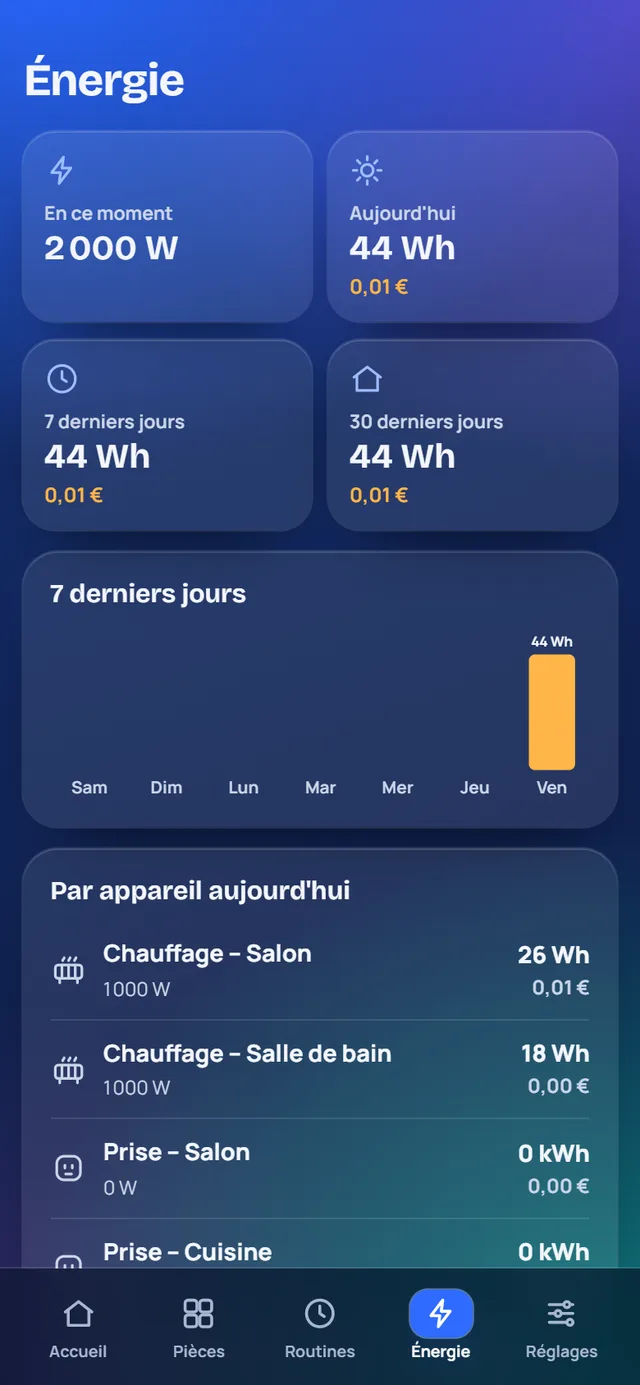
Sally adds up what your radiators and plugs use, and gives you the cost in euros at your electricity price, off-peak hours included.
Sally is software. You install it on a computer that stays on in your home, and you control it from any screen in the house.
Try it for free on a Windows computer. To live with it, the final version will run on a Raspberry Pi, a small box that stays on day and night.
A Zigbee stick, an EnOcean stick, or both. It talks to your devices by radio.
Sally recognises them and guides you, by voice if you like. Then you open the app on your phone, at the address sally.local.
The Windows beta is available: a full 30-day trial, no account and no credit card. A demo is included so you can explore everything without any hardware.